
How to Search Cherokee County Court Dockets
The Cherokee County docket search is handled by the local Clerk of Courts, led by Patty Baker. The Clerk safeguards records for Superior, State, and Magistrate Courts. The public entry point is the Clerk case-search landing page. From there, a link opens the docket portal where a user can pull a docket by case number, party name, or CSE number. The portal will set a VIEWONLY cookie when first loaded. The Clerk warns that the online docket is a convenience tool, not the official complete file.
Some pleadings stay hidden online when they contain sensitive data. Those filings can only be viewed at the office. For a current, certified, or authentic copy, the user must contact the Clerk. Online copies are fine for most needs but do not substitute for an in-office file review when court evidence is on the line.
A simple walk-through covers the common search path:
- Open the Clerk's case-search page at cherokeecourtclerk.com.
- Click the docket search link to launch the portal in a new tab.
- Pick one search field: case number, party name, or CSE number. Use just one field at a time if results run too wide.
- Click the "+" button to the left of a case number to open the docket entries for that case.
- Read the parties, judge assignment, court dates, and docket events that appear.
- Use the "Docket search-purchase copies" link to buy a regular copy of a document.
- For the full official file, call the Clerk's problem line at 678-714-8778 or visit Suite G-170 at the Justice Center.
Note: The online docket should not be relied on for legal action, employment, or tenant screening; always confirm details with the Clerk before acting on the data.
What a Cherokee County Court Docket Contains
A docket is the chronological event list for a case. Each line marks something that happened: a filing, a motion, an order, a hearing, a continuance, a plea, a sentence, or a final disposition. The docket is built one entry at a time by Clerk staff as papers come in. It is the running record that judges, lawyers, and parties use to track a case in real time. The full case file holds the underlying documents; the docket points to those documents and shows when they were filed.
The Clerk says the online search will show overall case posture. That posture covers the parties, court dates, and judge assignment. After the "+" button opens the case, docket entries appear in date order. Some documents can be purchased and printed from the portal. Other documents may be hidden, either because they are sealed or because they hold sensitive data. The Clerk follows Uniform Superior Court Rule 21.6 and O.C.G.A. § 9-11-7.1, which protect personal identifiers in filings.
Common items on a Cherokee County court docket include the case number, the filing date, the parties, the judge, the charge or cause of action, the next court date, and the running list of events filed since the case opened. A separate "documents" column may list links to view or buy plain copies. Restricted items are flagged but not opened from the public view.
Searching by Case Number, Party, or CSE Number
The Clerk portal accepts three primary search inputs. Each one fits a different use case. Case number searches work best when the user already has a citation, an arrest record, or a court notice in hand. Party name searches work for general public lookups when only a name is known. CSE number searches focus on child support enforcement matters and route to the right family file. The landing page does not publish wildcard rules, so exact spelling helps cut down false matches.
The table below summarizes the three search fields and the formats observed in linked Cherokee County records.
| Field | Format Notes | Best Used For |
|---|---|---|
| Case Number | Court-coded values; examples include 25CR0962 for Superior criminal, 25M1191 for State misdemeanor, 25MW0561 or 24MW1022 for Magistrate warrants, and CE0142535 for citation events. | Exact case lookup when the number is known. |
| Party Name | Free text; the Clerk does not publish a placeholder format on the landing page. Use Last, First as a safe entry style. | General public lookups by person or business name. |
| CSE Number | Child Support Enforcement number; format not published on the landing page. | Child support and related family enforcement files. |
Result rows show the case number first, with a "+" button on the left. Clicking that button expands the row into the docket entry list. From there, the user can view event dates, court dates, the assigned judge, and any document links that have been published.
Superior, State, and Magistrate Dockets
The three core dockets that route through the Clerk cover different case types. Superior Court handles general jurisdiction work, including felonies, divorces, equity cases, and land title. State Court runs misdemeanors and traffic citations. Magistrate Court handles small civil claims, dispossessory cases, garnishments, warrants, and first appearances. Each court has its own caseload pattern, its own filing fees, and its own posting habits on the public docket. Knowing which docket holds a case is the first step before any search.
The Superior Court Clerk publishes monthly indictment links so the public can follow new felony charges as they are returned by the grand jury. The State Court Clerk page warns that accident-related citations from Georgia State Patrol or the Sheriff's Office are flagged "MUST SEE JUDGE" and cannot be paid online. Magistrate Court is described on the official county page as running 24 hours a day and 365 days a year, with more than 30,000 judicial decisions handled each year. The three courts share one Clerk's office but file under separate court codes.
| Superior Court | State Court | Magistrate Court | |
|---|---|---|---|
| Jurisdiction | General; broadest reach in the county. | County-level limited. | Limited civil and criminal. |
| Case Types | Felonies, divorce, equity, land title, major civil. | Misdemeanors, traffic, warrants, civil not reserved to Superior. | Civil up to $15,000, dispossessory, garnishment, warrants, first appearances, bail. |
| Fee Category | Superior cost schedule (statewide). | State Court schedule; subpoenas $5.00 each. | Magistrate fee schedule with e-file copy options. |
| Hours | Clerk window 8:30 a.m. to 5:00 p.m. | Clerk case info line 678-493-6550. | Court operates 24/7/365 for warrants and first appearances. |
The Magistrate Court contact page lists the leadership and address for the Magistrate division.
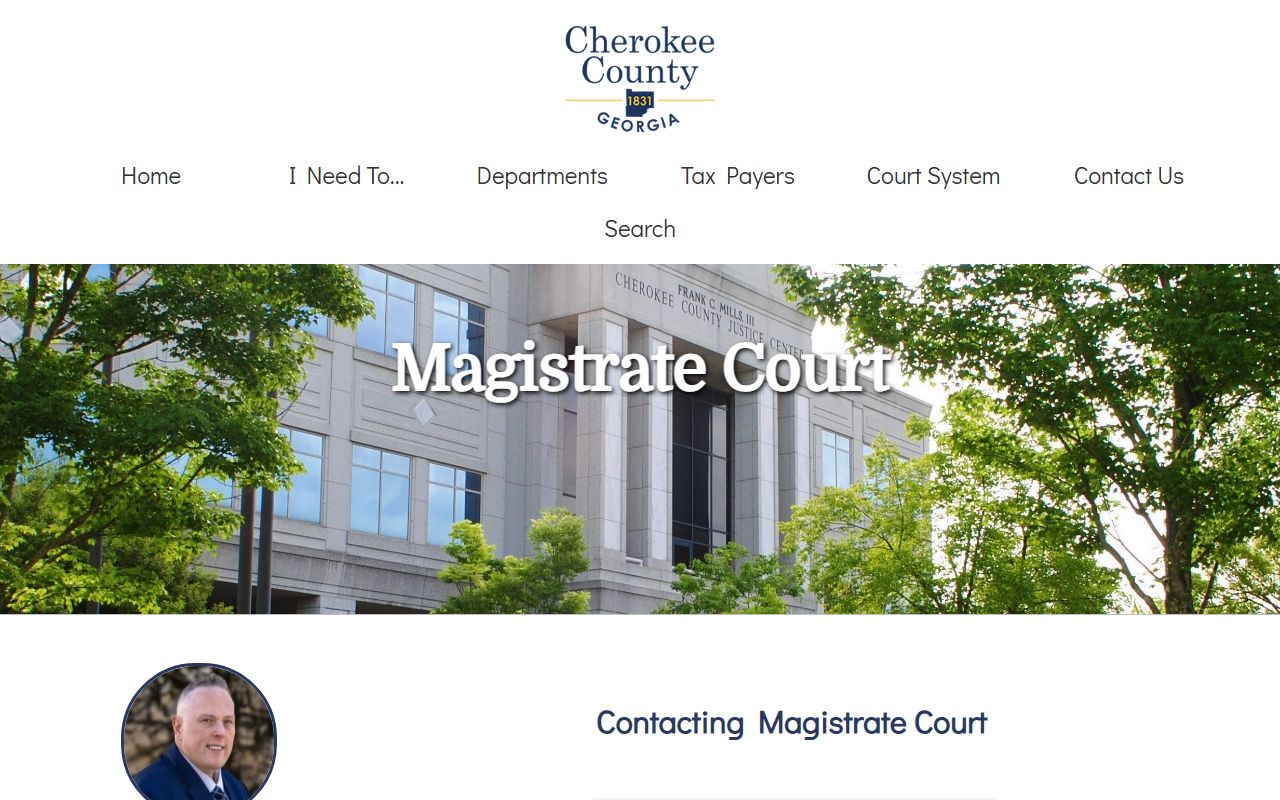
The Magistrate Court page names Chief Magistrate Judge Jack M. "Trey" Goodwin III and confirms the court's 24-hour operation. The page is the official starting point for anyone trying to confirm a Magistrate hearing time or contact a Magistrate clerk.
Cherokee County Court Calendar and Hearings
Court calendars in Cherokee County are tied to the docket through the Court Administrator. Jody Overcash serves as Court Administrator from Suite 250 at the Justice Center. The Court Administrator's office runs interpreter services, supports the Blue Ridge Judicial Circuit, and livestreams Zoom-only hearings. The Superior Court videoconference page says most courts have returned to live court. Zoom-only hearings continue to be livestreamed through the Court Administrator. Live court sessions are open to the public in person at 90 North Street.
For users coming in person, parking sits behind the Justice Center and the Historic Marble Courthouse. The jury parking page warns that the City of Canton issues parking citations for some street spaces near the courthouse and that the lot fills early on busy docket days. Visitors should arrive early, follow posted signs, and avoid time-restricted street spots.
The jury parking page is the only county-published parking guide for the Justice Center. The same rules apply to anyone showing up for a docket call, a motion hearing, or a trial setting.
Note: A missed court date in State Court can result in a bench warrant, so users should confirm Cherokee County court dockets the day before any hearing and call 678-493-6550 if information is missing.
Cherokee County Probate Court Dockets
Probate matters do not appear on the Clerk of Courts case-search portal. The Probate Court runs its own database for estate and marriage filings. The estate search accepts Case Number, In Matter Of, Filing Date Between (start and end), and Date of Death Between (start and end). The marriage search accepts Bride's Name, Groom's Name, Marriage Date Between (start and end), and License Number. Both forms use simple month, day, and year inputs. The page tells users to enter as much or as little information as they wish and to reduce criteria if no results return.
Probate Court at 90 North Street, Suite 340, also handles guardianships, conservatorships, weapons carry licenses, and related matters. Judge Keith Wood leads the Probate Court. Probate dockets are still public records under the Open Records Act, but the search interface is separate from the Clerk's Superior, State, and Magistrate portal. The two systems do not cross-reference, so a user looking for a deceased person's estate file should go straight to the Probate database.
Magistrate Court 24/7 Docket Operation
The Cherokee County Magistrate Court is one of the few courts in the state that publicly markets a 24/7/365 operation. The court is housed at 90 North Street and processes more than 30,000 judicial decisions per year. During business hours, three full-time judges hear civil bench trials, commitment and bail hearings, ordinance trials, and search and arrest warrant applications. Seven part-time judges cover the after-hours docket: initial appearances and warrant work that cannot wait until the next business day. The result is a docket that never truly closes.
Magistrate cases also accept e-filings. The Magistrate e-filing page lists the case types that can be filed online: statements of claim, dispossessories, and garnishments. Users without a computer can use the e-file kiosk on the first floor of the Justice Center. The kiosk is available during normal Clerk hours and lets a self-represented filer scan documents into the same e-file system.
The Magistrate e-filing page also lists user guides and accepted document formats, which keep self-represented users from filing the wrong forms on the wrong docket.
The Magistrate is the first court most arrestees see after booking at the Adult Detention Center. After-hours Magistrate judges set bond, advise of charges, and decide on release conditions before the morning calendar reaches the rest of the courts. The Magistrate docket logs each of those steps so the Superior or State Court file inherits a clean history.
Juvenile and Hidden Pleadings
Juvenile Court at 90 North Street is the most restricted docket in Cherokee County. Judge Amanda Speights took the Juvenile bench effective January 1, 2025. The Juvenile Clerk can be reached at 678-493-6560. The court handles dependency, delinquency, CHINS, and juvenile traffic. Under Georgia juvenile law, those records are not part of the regular public docket. Only parties, attorneys, agencies, and persons authorized by law or court order may access the file. The Clerk's main case search will not return juvenile cases.
Beyond juvenile work, the Clerk also blocks "hidden" pleadings from the public web view. The case-search page warns that some pleadings hold sensitive data and have been blocked from internet viewing. The user must come to the office to view those filings in person. Family violence and stalking protective order identifiers are placed on a separate sealed page under Uniform Superior Court Rule 21.6. Adoption files filed with the Clerk of Superior Court carry a county-stated rule that staff are prohibited from providing copies or information.
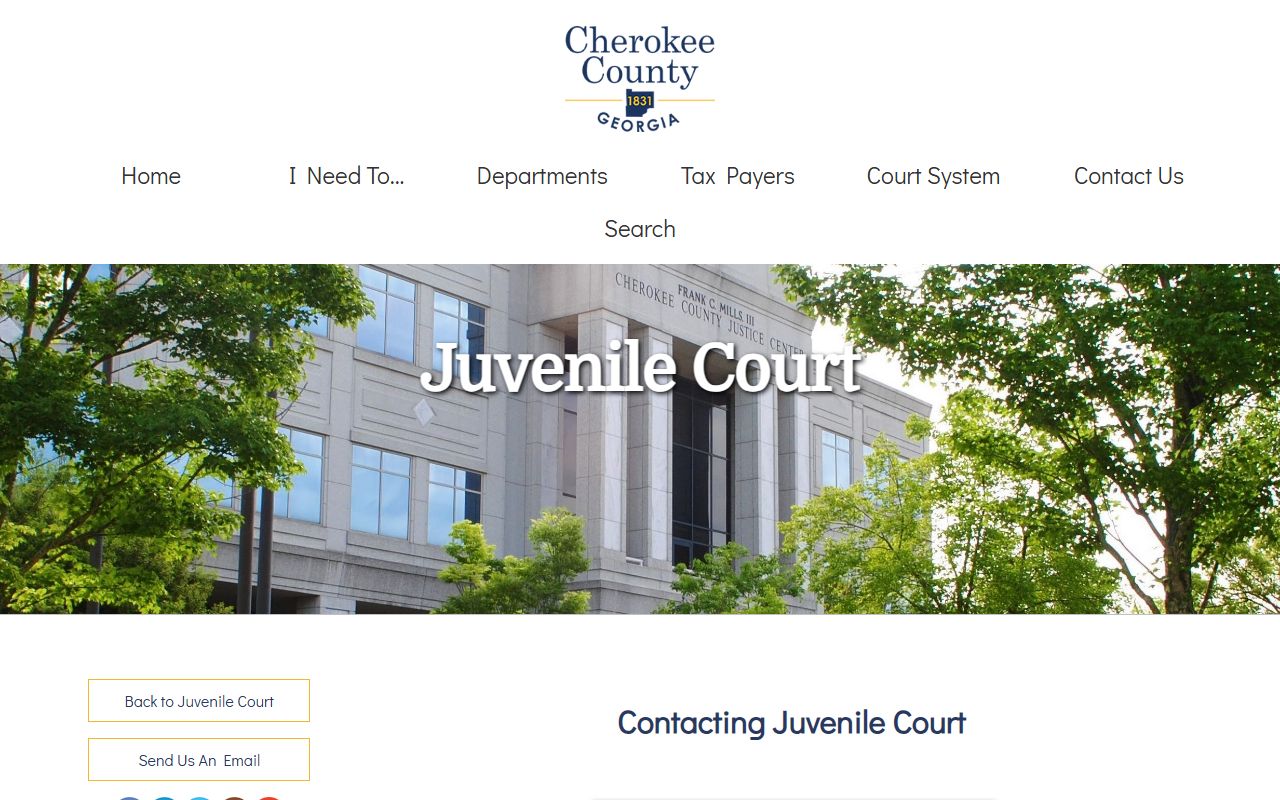
The Juvenile Court contact page lists current judges and the clerk's line, and is the right place to confirm whether a juvenile record can be released to a parent, attorney, or agency. Note: Sealed pleadings cited under Rule 21.6 and O.C.G.A. § 9-11-7.1 stay off the public docket; the in-office file may still be accessed by parties of record.
Sample Docket Entry Field Inventory
A Cherokee County docket entry follows a fairly stable format across courts. The fields below show what a typical entry returns when the "+" button is clicked open on the Clerk portal. Fields that hold restricted or sensitive data may show as redacted, blocked, or hidden. Document-level access depends on the type of filing and whether the Clerk has loaded a copy into the portal.
| Field | What It Shows |
|---|---|
| Case Number | Court-coded value such as 25CR0962, 25M1191, 25MW0561, 24MW1022, or CE0142535. |
| Filing Date | Date the complaint, petition, accusation, or charge was filed with the Clerk. |
| Parties | Plaintiff and defendant, petitioner and respondent, or State of Georgia and defendant. |
| Judge | Assigned judge for the case; appears in the case posture on the Clerk portal. |
| Court Dates | Scheduled hearings, calendar calls, or trial settings. |
| Docket Entries | Chronological event list of filings, orders, hearings, and continuances. |
| Documents | Links to view or purchase plain copies; sealed pleadings stay hidden. |
| Disposition | Current outcome: pending, dismissed, dead docket, plea, conviction, or acquittal. |
Cross-references to related cases may appear under the docket, especially when the same parties have multiple filings. The CSE number link ties family enforcement cases together. Restricted fields, such as Social Security numbers, dates of birth for minors, or victim information in protective orders, are redacted under Rule 21.6 and O.C.G.A. § 9-11-7.1.
Authentic Docket Copies
The Clerk's online docket is built for convenience, not for evidence. For an authentic or certified copy of a docket entry, the user must contact the Clerk of Courts. Certified copies carry the Clerk's seal and are accepted by courts, employers, and other agencies. Regular copies bought through the portal carry no seal. The Clerk's Obtaining Copies page explains that Georgia law sets copy charges and that staff cannot waive them. Mail orders must be paid by certified check, money order, or cashier's check. Cash and credit cards are accepted in person at the Clerk's window.
For users who need help locating a file, the Clerk's problem line at 678-714-8778 is the right starting point. Office hours run Monday through Friday from 8:00 a.m. to 5:00 p.m. The Superior Court Clerk's window opens 8:30 a.m. to 5:00 p.m. The annex office at 155 Towne Lake Parkway in Woodstock can pull some files on request. The Clerk of Courts home page links to each division's online resources, including the case search, forms, and fee schedule.
For statewide context, the Georgia Courts e-access page lists each participating provider that publishes county court records online. Cherokee County uses its own Clerk portal as the local entry point. Users may also use the Cherokee County court records page to follow up on related filings, the criminal records page for arrest and charge questions, or the traffic court records page for citations handled by State Court. The full set of related resources is grouped on the public records page and answered in detail on the Cherokee County Court Records FAQ.